
Turn Any Photo into a Coloring Page
Upload a photo of a pet, a family member or a child’s drawing. We trace the outlines and give you a clean page to print.
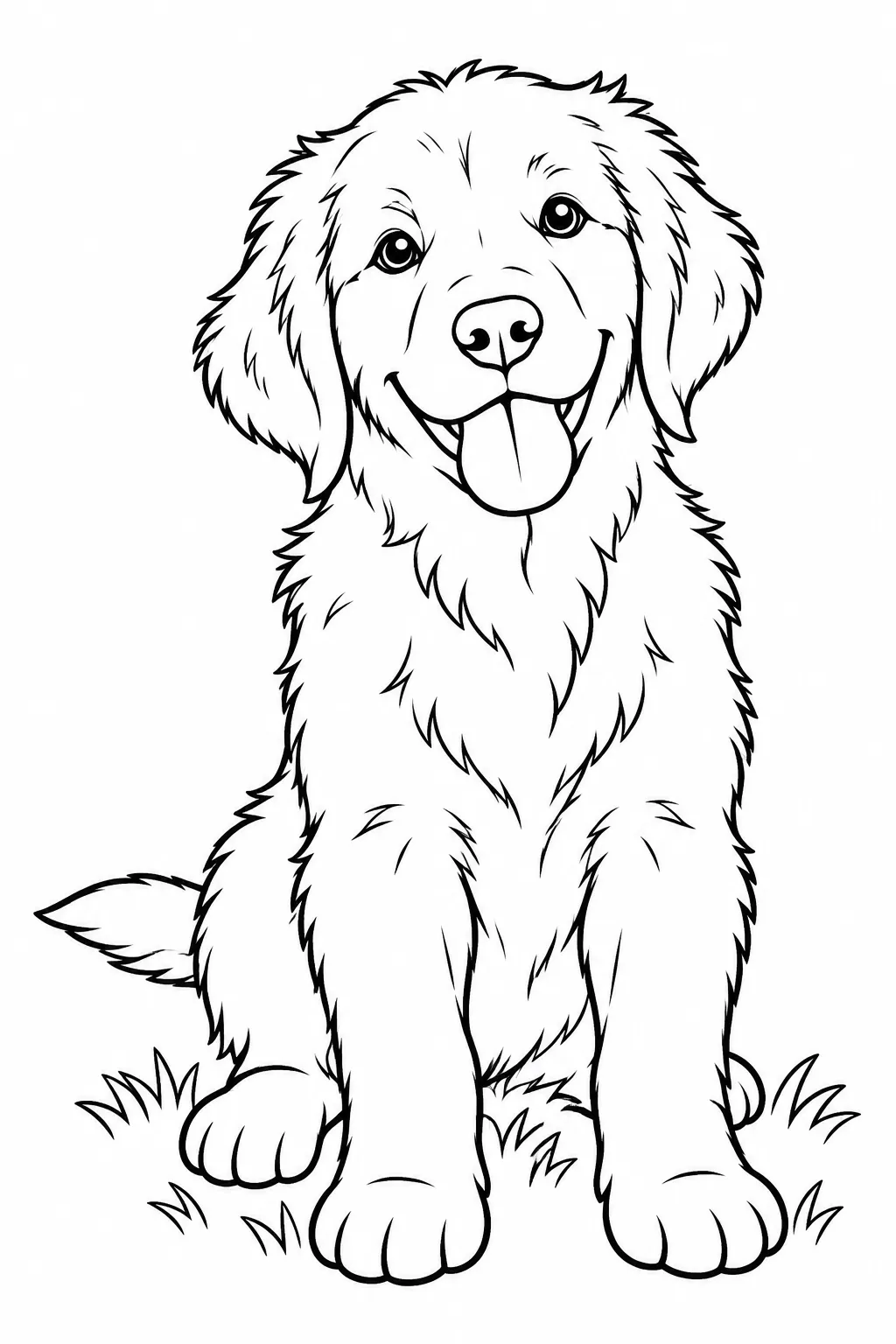

Drag the slider to compare. Upload a photo to make your own.
Photos turned into coloring pages
Made by our team from family photos and kids’ drawings. Upload yours to make one like these.
Turn a photo into a coloring page in three steps
- 1
Upload a photo
JPG or PNG from your phone or computer. Clear, well-lit photos give the cleanest lines.
- 2
Choose how it is traced
Keep details for portraits, Cartoonize for a simpler look, or Subject only to drop the background.
- 3
Download and print
Compare the result with your original, then download a print-ready PDF.
What you get
See the original next to the line art
A side-by-side preview shows exactly what was kept, so you can change settings before you download.
Faces, fur and features stay recognizable
Line extraction follows the edges that matter, so your dog still looks like your dog.
Turn a crayon drawing into a neat page
Snap a photo of your child’s artwork and get a clean outline they can color again.
Photo to Coloring Page FAQ
Well-lit photos with one clear subject. Busy scenes work too if you choose Remove background.
Yes. Photograph the drawing in good light and choose Keep details to preserve their lines.
Your photo is only used to make your coloring page and never appears in the public gallery.
JPG and PNG.