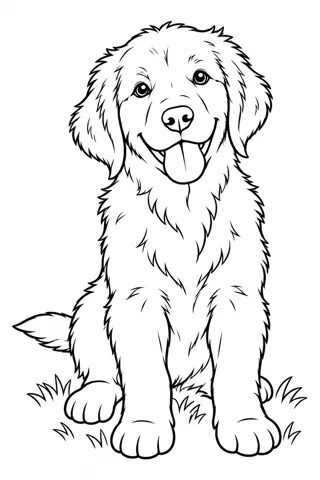
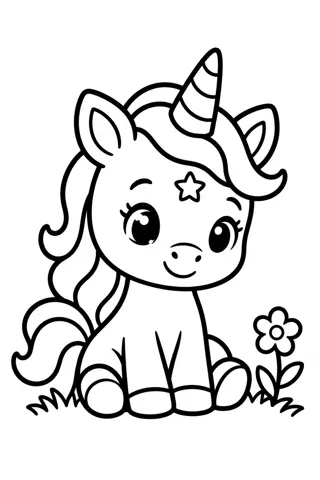
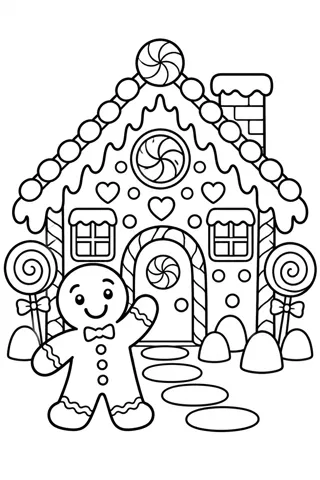
How to make a coloring page with AI in under a minute
Type one sentence, pick an age and a style, and print. Four steps to an AI coloring page that prints clean and suits the person coloring it, toddler or adult.
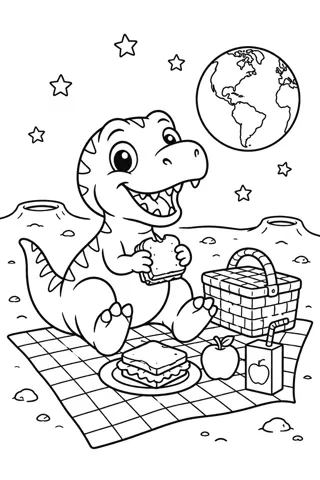
An AI coloring page generator draws black-and-white line art from a sentence you type. You don’t need drawing skills or software. These four steps get you a page that prints clean and is the right level for the person coloring it.
1. Describe one scene in one sentence
Say who is in the picture and what they are doing. “A fox reading a book under a tree” works better than “fox”, because the AI knows what to put around the main character. Keep it to one scene. A list of five unrelated things tends to come out crowded.
2. Pick the age before the style
Age sets the line weight and the amount of detail. Ages 2 to 4 get extra-thick outlines and a few big shapes. Ages 5 to 8 get bold lines that are easy to stay inside. Ages 9 to 12 get more detail, and Adult gets fine lines and patterns.
Then choose a style. Cartoon suits friendly characters, Kawaii gives round, cute faces, Storybook draws a full scene with a background, Realistic works for animals and vehicles, and Mandala or Doodle fill the page with patterns.
3. Check the page before you print
- Every shape is closed, so color doesn’t run out of it
- There is no gray shading to waste ink
- The main character is big enough for the age you picked
If something is off, change one word and generate again. Small changes like “a smiling fox” or “a fox holding a big book” are usually enough.
4. Download, print or color online
Download a PDF sized for A4 or US Letter, or a PNG to drop into a worksheet or a card. You can also open the page in Color Online and fill it in on a tablet.