How to turn a photo into a coloring page
Which photos trace well, which tracing setting to choose, and how to turn a child’s drawing into a page they can color again. Pets and portraits work too.
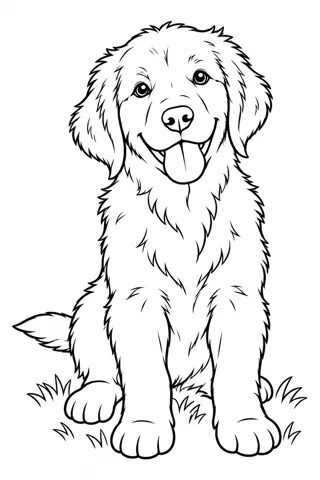
A coloring page made from your own photo is a different kind of fun. Kids get to color their dog, their grandma or the drawing they made last week. Here is how to get a clean result.
Pick a photo with one clear subject
The best photos have one main subject, good light and a plain background. A pet on the sofa works better than a crowded birthday party. For portraits, the face should fill at least a third of the frame.
Upload it and choose how it is traced
Upload a JPG, PNG or WebP on the Photo to Coloring Page tool or in the generator on the home page. Keep details suits portraits, Cartoonize gives a simpler look for young kids, and Subject only drops everything behind the subject.
Kids’ drawings work too
Photograph the drawing flat, in daylight, with no shadow across it. The tracer cleans up the lines so your child can color their own artwork again, or send it to their grandparents to color together.